

Getting Started
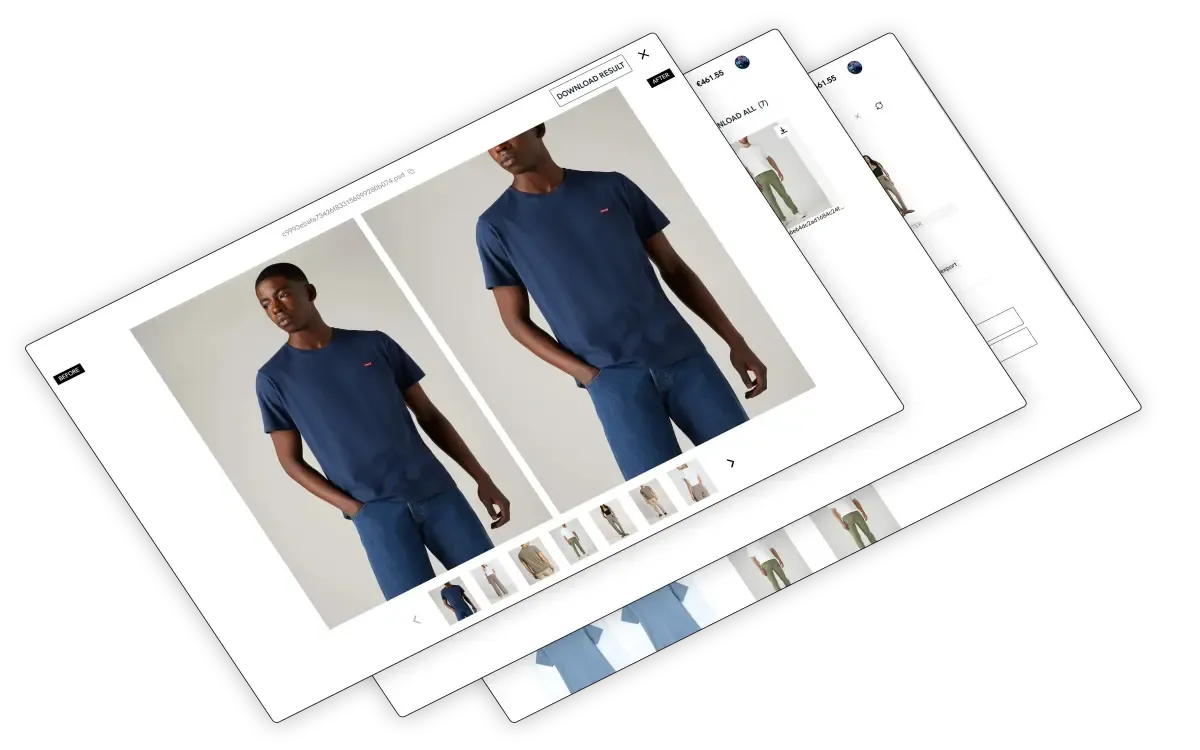
Welcome to AutoRetouch, your platform for uploading images, processing them through workflows, and retrieving results.
How it works
Section titled “How it works”Workflow configuration by image experts
Section titled “Workflow configuration by image experts”To ensure the highest quality results for your specific use cases, workflows are configured by our image experts. If you need changes to your workflow, contact support@autoretouch.com.
Streamlined interface
Section titled “Streamlined interface”The interface is designed around the core experience of uploading input images and retrieving processed results. Features include:
- User management
- API credential management
- Integrations with third-party platforms
Fast image upload
Section titled “Fast image upload”Upload large batches of images quickly, which makes it a great option for processing images when you’re not using the AutoRetouch API.
Getting access
Section titled “Getting access”AutoRetouch operates on an invite-only model. If you are an existing customer, sign in at https://webapp.autoretouch.com.
If you cannot access your account, please reach out to support@autoretouch.com. If you don’t have an account yet, review our offering on our website and book a demo.
Find your workflows
Section titled “Find your workflows”After logging in at https://webapp.autoretouch.com, you’ll land on the Workflows page where all your workflows are listed.
Learn more: Find your workflows
Process images
Section titled “Process images”Once you’ve identified a workflow, click on its name to start processing images. You’ll also find your workflow results there.
Learn more: Process images
AI Shoot
Section titled “AI Shoot”AI Shoot lets you generate high-quality on-model imagery at scale for your product pages. Upload your product photos (SKUs), select AI models, configure your Shoot, and produce professional results.
Learn more: Create your first AI Shoot