

Download with or without the AI watermark
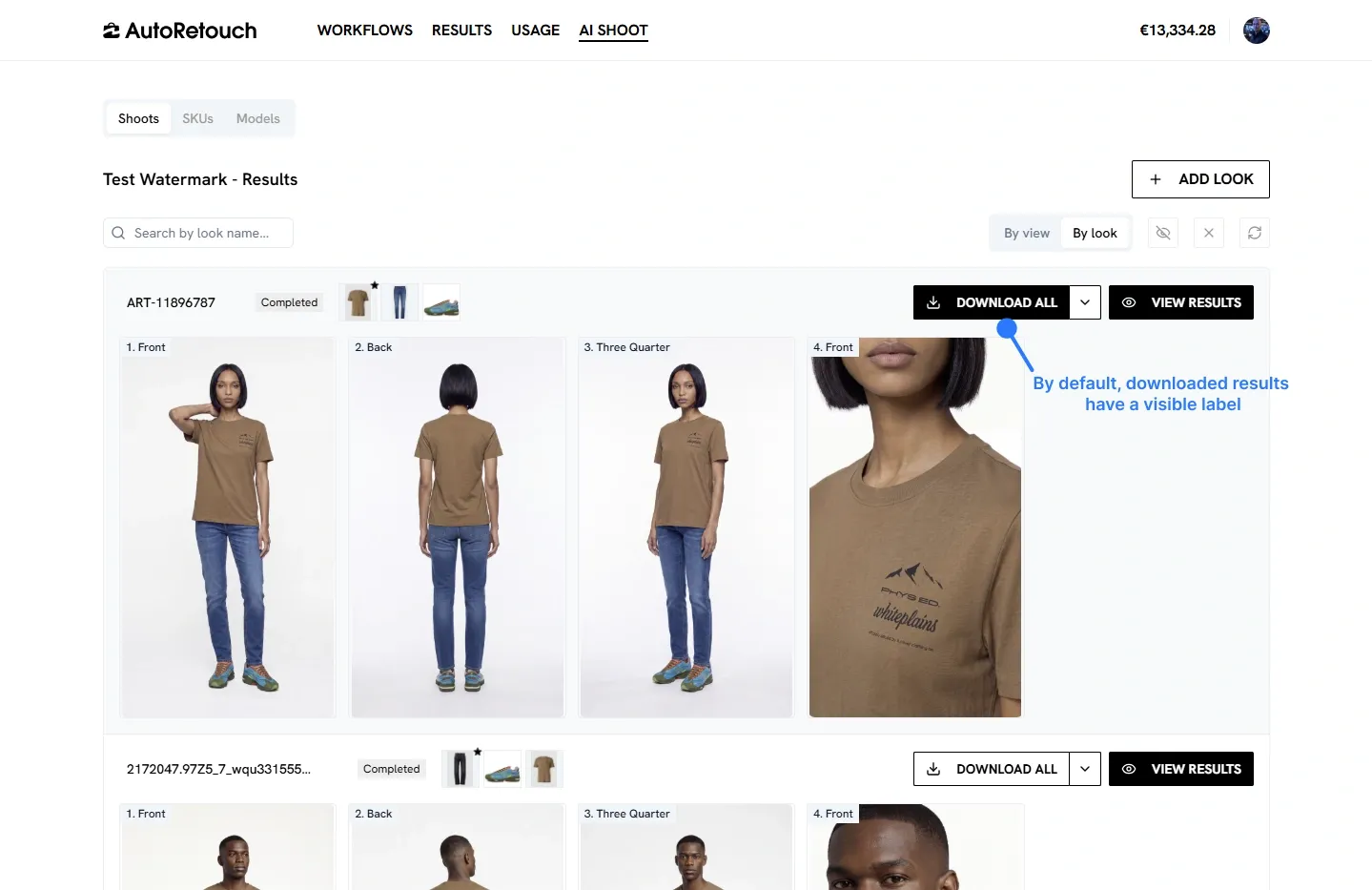
AI Shoot can add a visible “AI Generated” watermark to the images it produces. The watermark is enabled by default, so downloaded results carry it in the top-right corner unless you choose otherwise. This page shows how to download your results with or without the watermark.
For background on how AutoRetouch marks AI-generated content, see AI transparency.
Download with the watermark (default)
Section titled “Download with the watermark (default)”On the AI Shoot results page, switch to the By look view. Each Look has a Download all button. By default, the images you download include the visible watermark in the top-right corner.
Download without the watermark
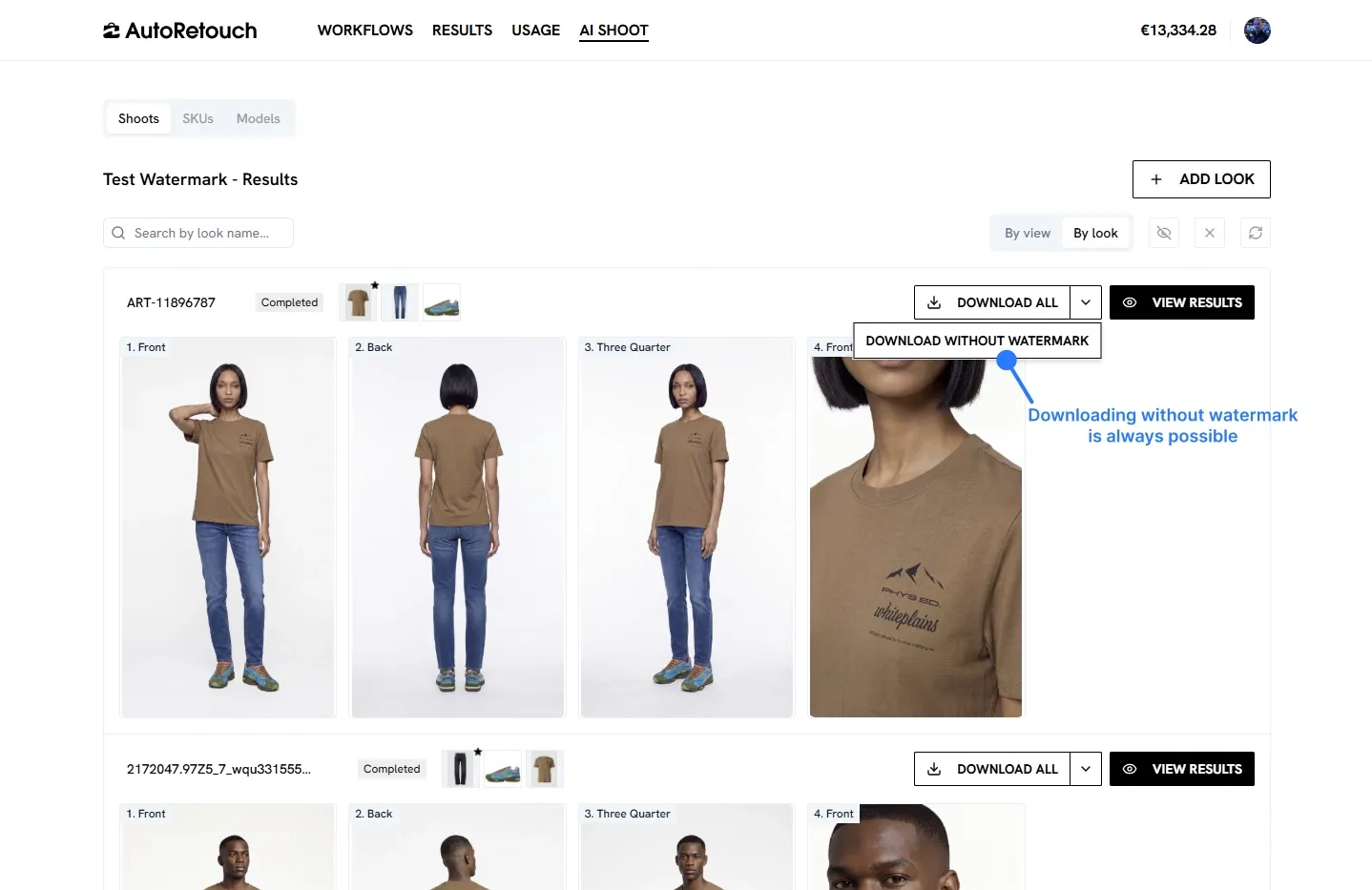
Section titled “Download without the watermark”Downloading without the watermark is always possible. Open the dropdown next to Download all and choose Download without watermark.
Whether and how to display AI disclosure on your channels is your decision as the publisher.